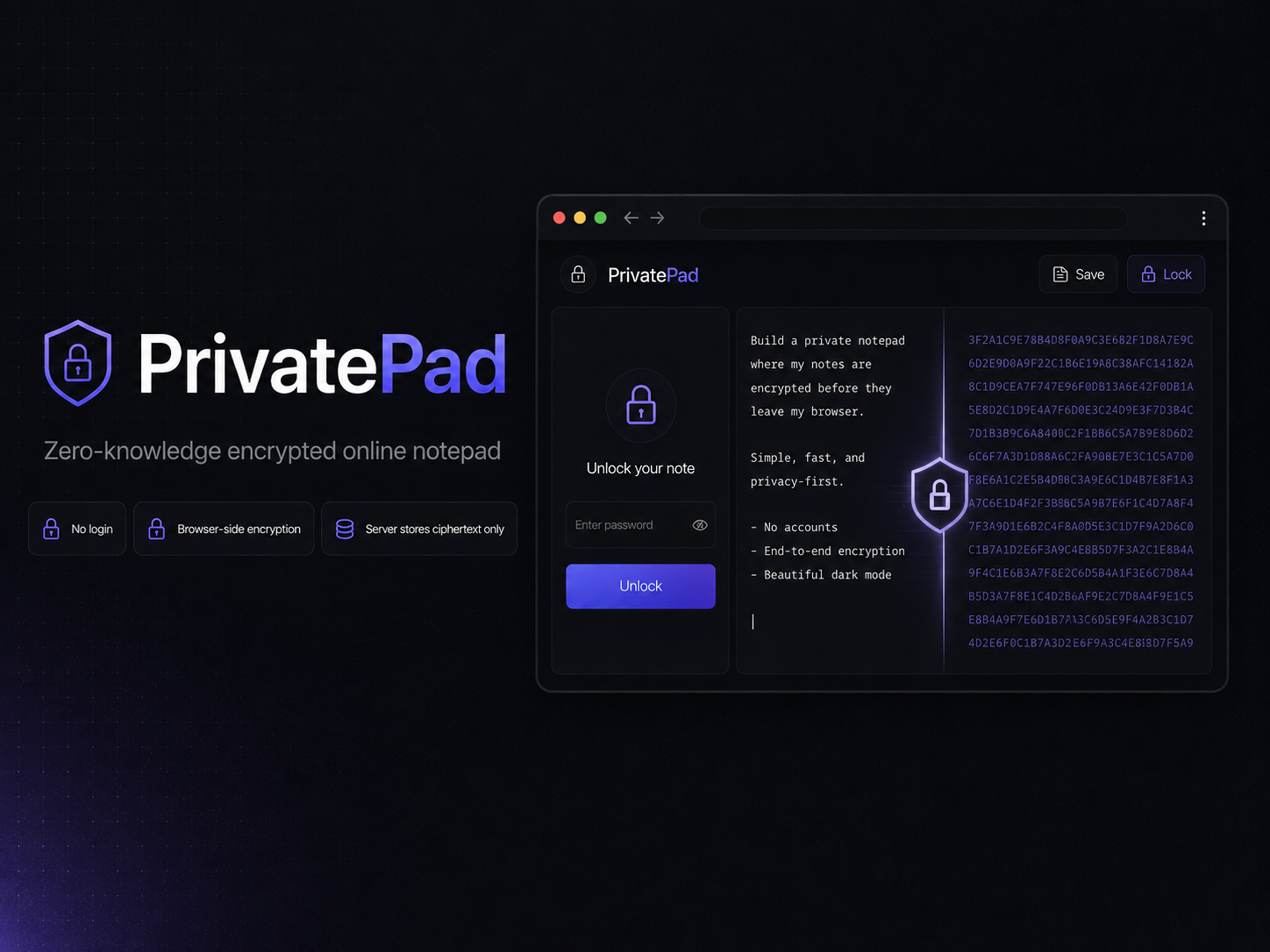
PrivatePad is inspired by ProtectedText: open a custom note slug, enter a password locally, write your notes, and save.
About
PrivatePad is built for simple private writing without accounts, logins, or recovery flows. A user can visit a custom URL such as /my-note, unlock or create the note with a password, edit the note in a browser-only plaintext editor, and save it as encrypted ciphertext.
The core privacy rule is simple: plaintext note content and raw passwords never leave the browser.
Features
- Custom slug-based notes
- Browser-side password unlock/create flow
- Client-side encryption and decryption with the Web Crypto API
- Tabbed plaintext editor stored inside one encrypted notebook payload
- Save status states for idle, unsaved, saving, saved, failed, and conflict cases
- Revision-based conflict detection for safer concurrent saves
- Local lock action to remove plaintext from the visible editor UI
- Hard delete flow with confirmation and revision protection
- Light/dark theme support with local-only theme preference
- Production security headers and Content Security Policy support
Zero-Knowledge Security Model
PrivatePad is designed so the server cannot read note contents.
The browser handles:
- Raw password input
- Password-based key derivation
- Plaintext note content
- Encryption and decryption
The server stores only:
- Slug
- Ciphertext
- Salt and IV
- Public crypto metadata
- Revision number
- Created and updated timestamps
The server must not receive plaintext notes, raw passwords, derived keys, password verifiers, tab labels, tab counts, or active-tab state outside the encrypted payload.
If a password is forgotten, the note cannot be recovered. This is an intentional part of the zero-knowledge model.
Tech Stack
- Next.js App Router
- React
- TypeScript
- Tailwind CSS v4
- shadcn/ui components
- PostgreSQL
- Drizzle ORM
- Web Crypto API
- Vitest